Projects
A project is the container for a programme of work. It holds the products being developed, the people working on them, and the tasks and documents that go with it.
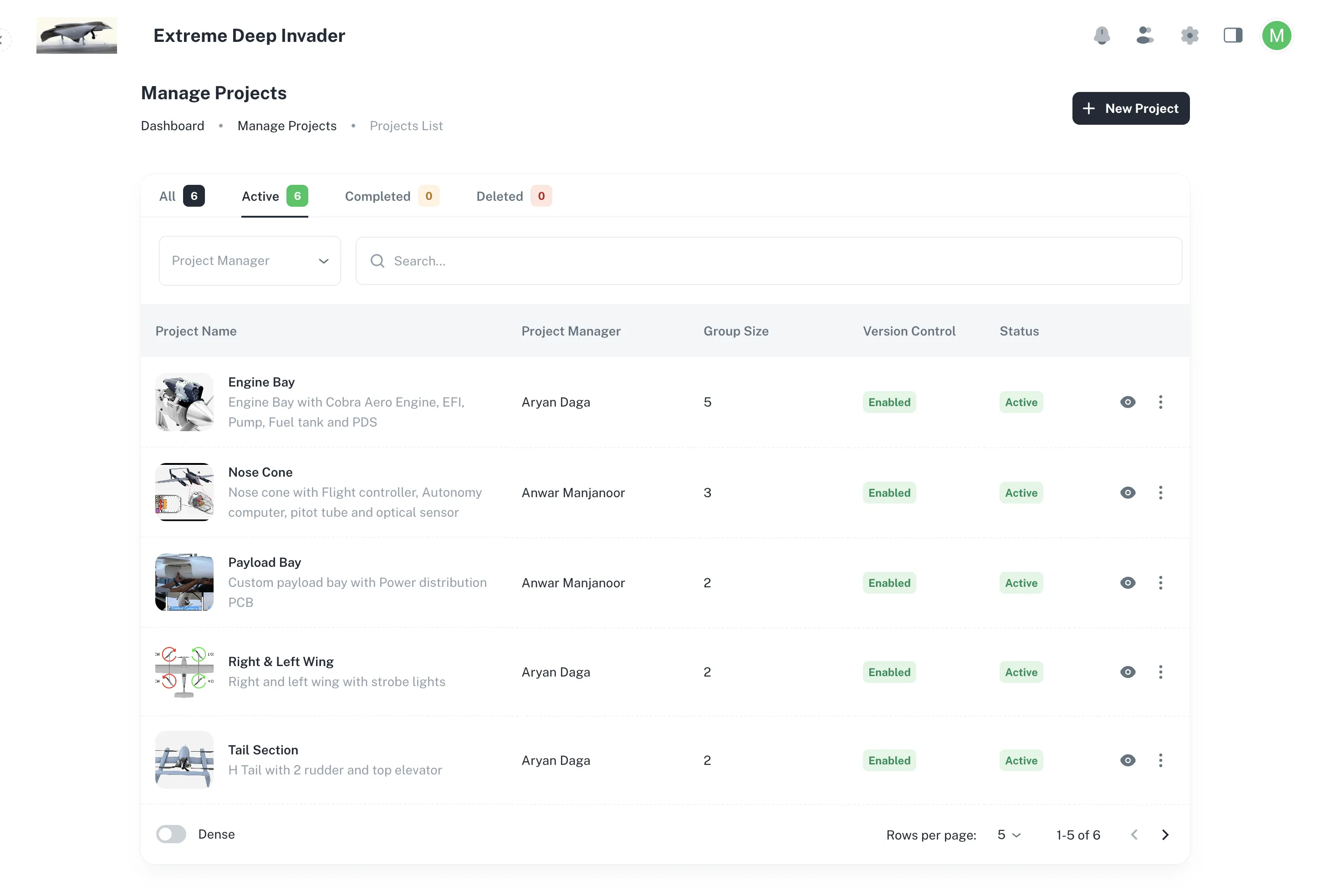
Open Manage Projects from the sidebar to see every project in your company.
Opening a project
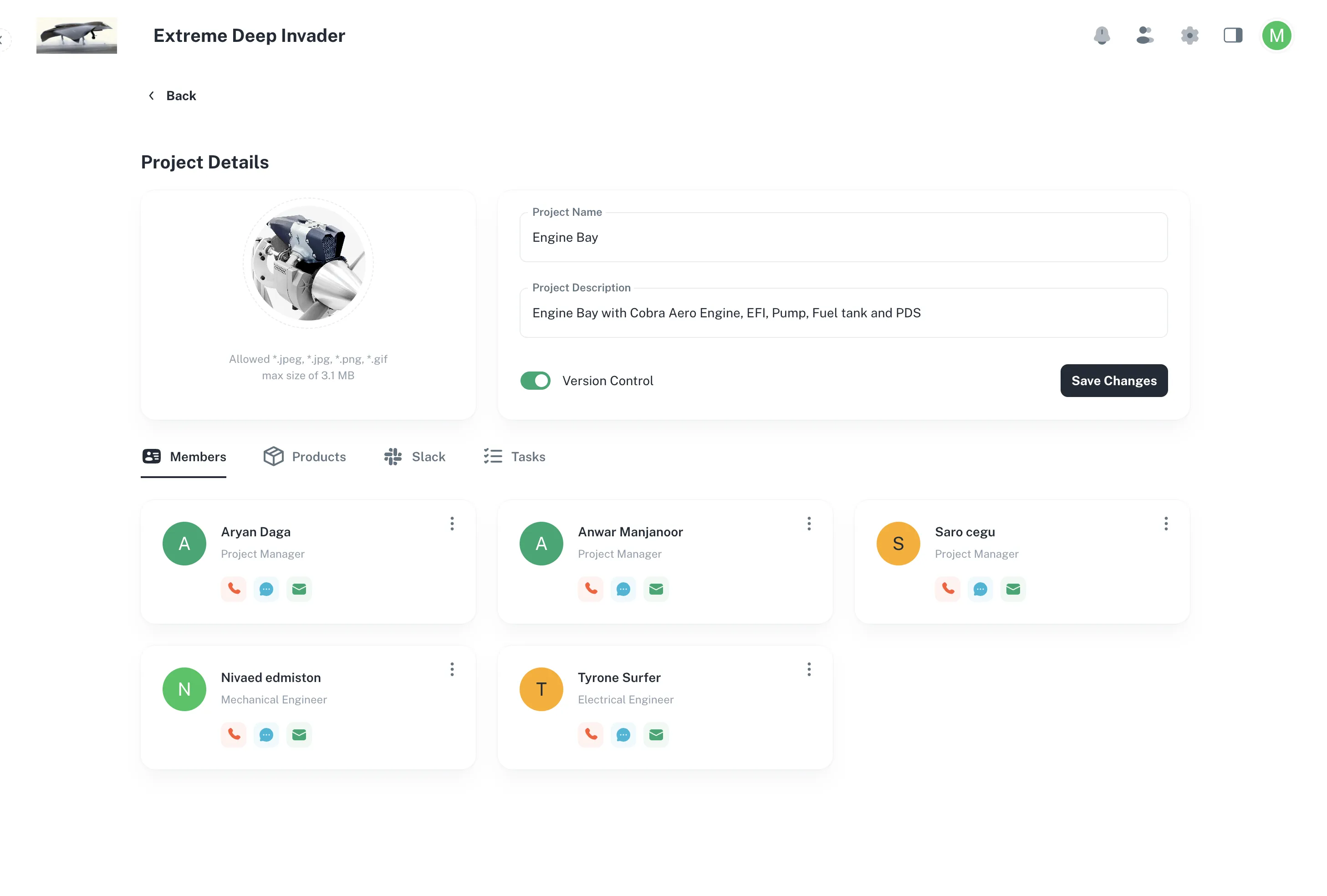
Selecting a project opens it on four tabs:
| Tab | What it holds |
|---|---|
| Members | Who is on the project, and their role. |
| Products | The products this project develops. This is your way into every BOM. |
| Slack | The connected Slack channel. |
| Tasks | Work items and issues. |
The tab you are on is kept in the address bar, so going into a product and coming back returns you to Products rather than resetting to Members.
Products belong to projects, but are owned by the company
This distinction matters once you have more than one programme running.
- A product lives in your company.
- A project links to it.
- The same product can be linked by several projects at once.
It is still one product with one BOM and one release history.
Note
Linking is never copying. If two projects link the same product and someone releases a new revision, both projects see it. There is no second copy to keep in step.
This lets a platform product be developed by one team and used by several programme teams, with nobody maintaining duplicate BOMs.
Adding people
From Members, use Add to invite someone into the project.
- Their access to BOMs comes from their project membership.
- Adding them here is all you need to do.