
Push to Onshape
Write Partix part numbers and descriptions into Onshape.
Push
- Choose Push to Onshape from a link's row menu.
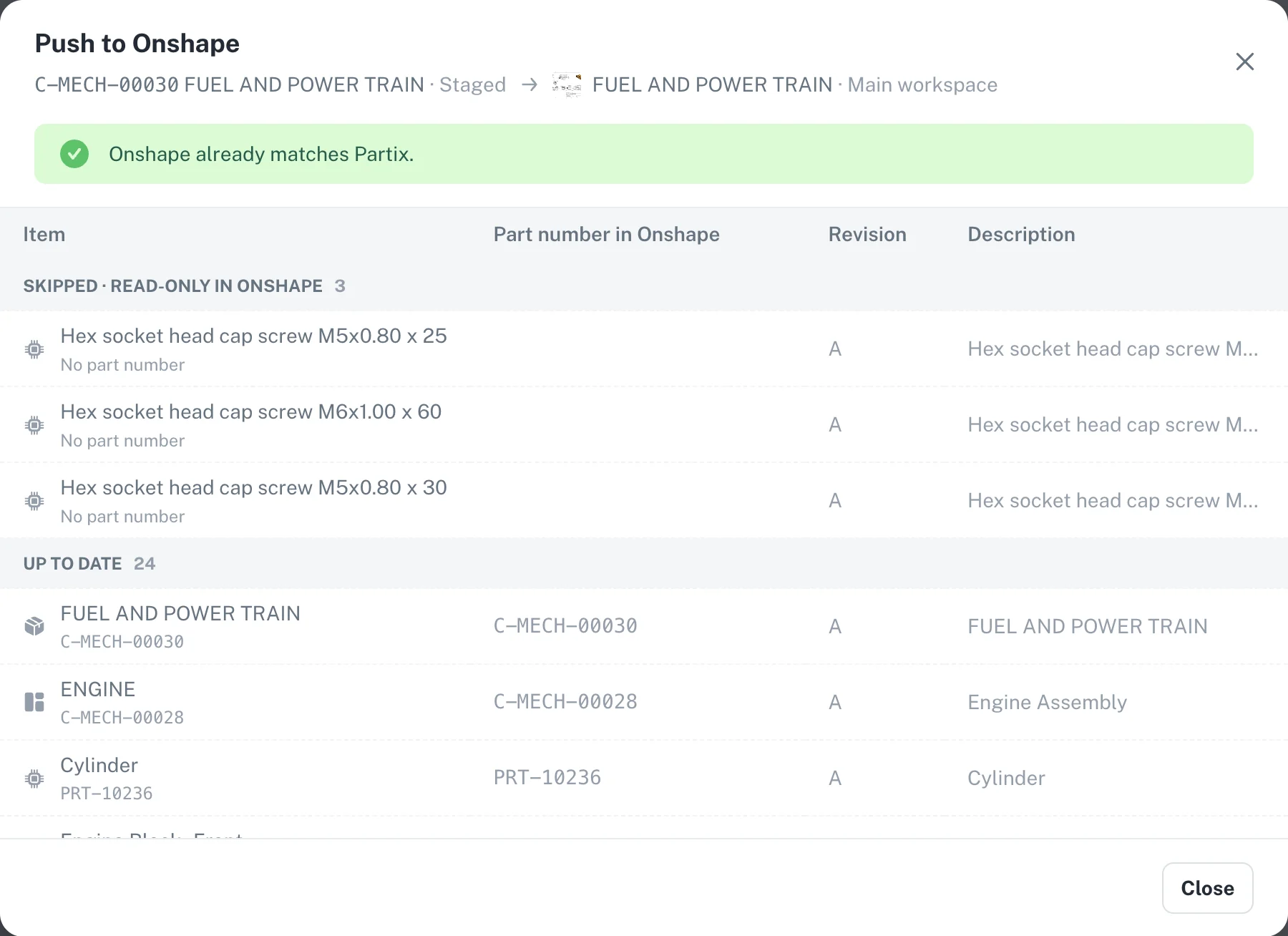
- Check the preview.
- Choose Push.
| Group | Meaning |
|---|---|
| Will update | Onshape differs and will be changed |
| Skipped · read-only in Onshape | Onshape won't accept changes, such as standard content |
| Up to date | Already matches |
Revision is shown for reference only. Push never changes geometry, structure or revisions.
Onshape records the push under your name. Pinned links are never pushed.
Push after commit
Turn on Push after commit in the row menu to push part numbers each time the BOM is committed, as the person committing.