
View in 3D
Look at a linked model without opening Onshape.
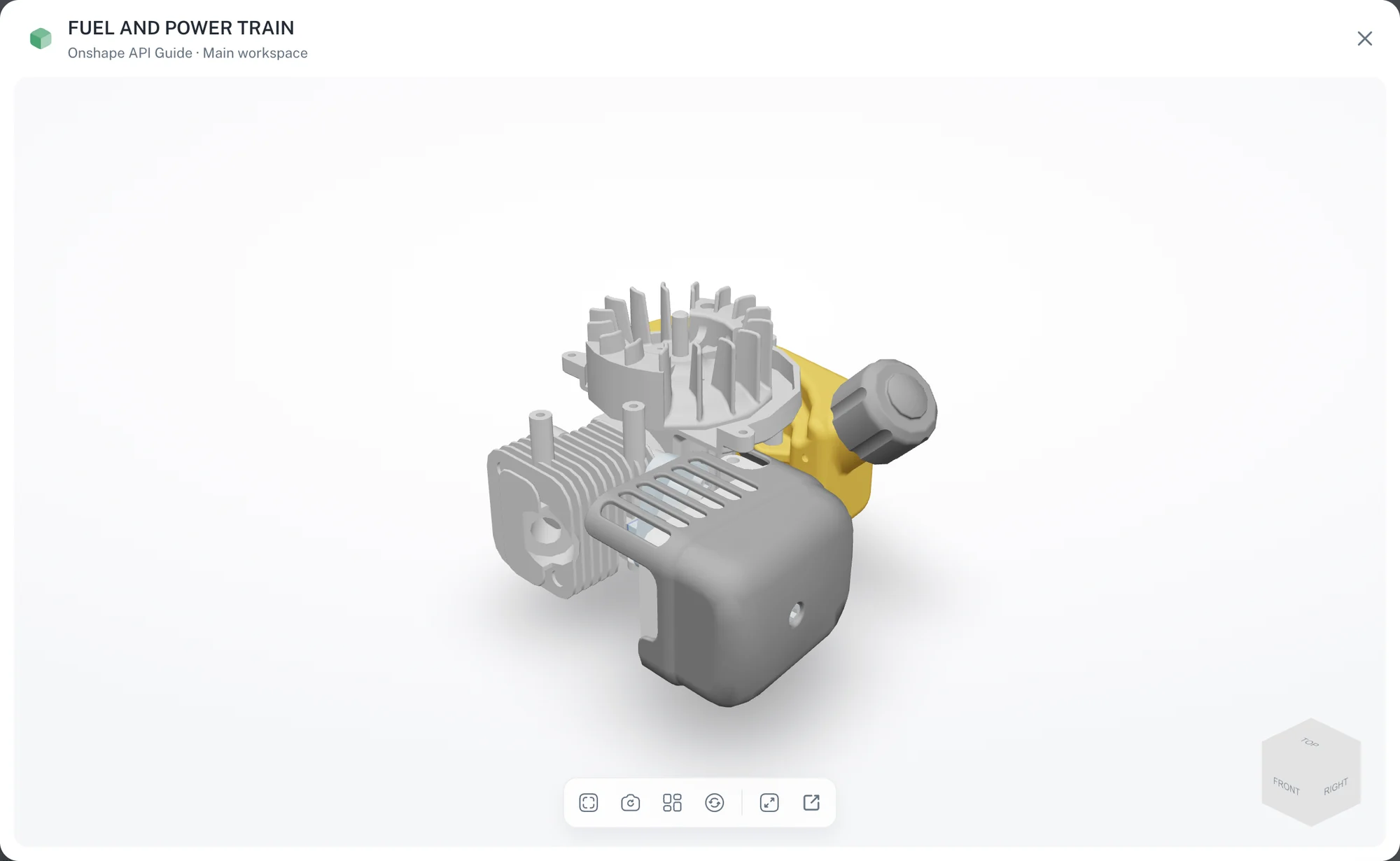
Choose View in 3D on a row in the MCAD list, or on the Onshape card of a BOM item. The first open takes a few seconds; after that it loads from Partix until the model changes.
Drag to rotate and scroll to zoom.
| Control | What it does |
|---|---|
| Fit to view | Frames the whole model |
| Views | Isometric, front, back, right, left, top or bottom |
| Wireframe | Shows edges only |
| Auto-rotate | Turns the model slowly |
| Full screen | Fills the screen |
| Open in Onshape | Opens the document |
The viewer needs your Onshape connection.