
Arrange the tabs
Hide the part details tabs you don't use and put the ones you use most first.
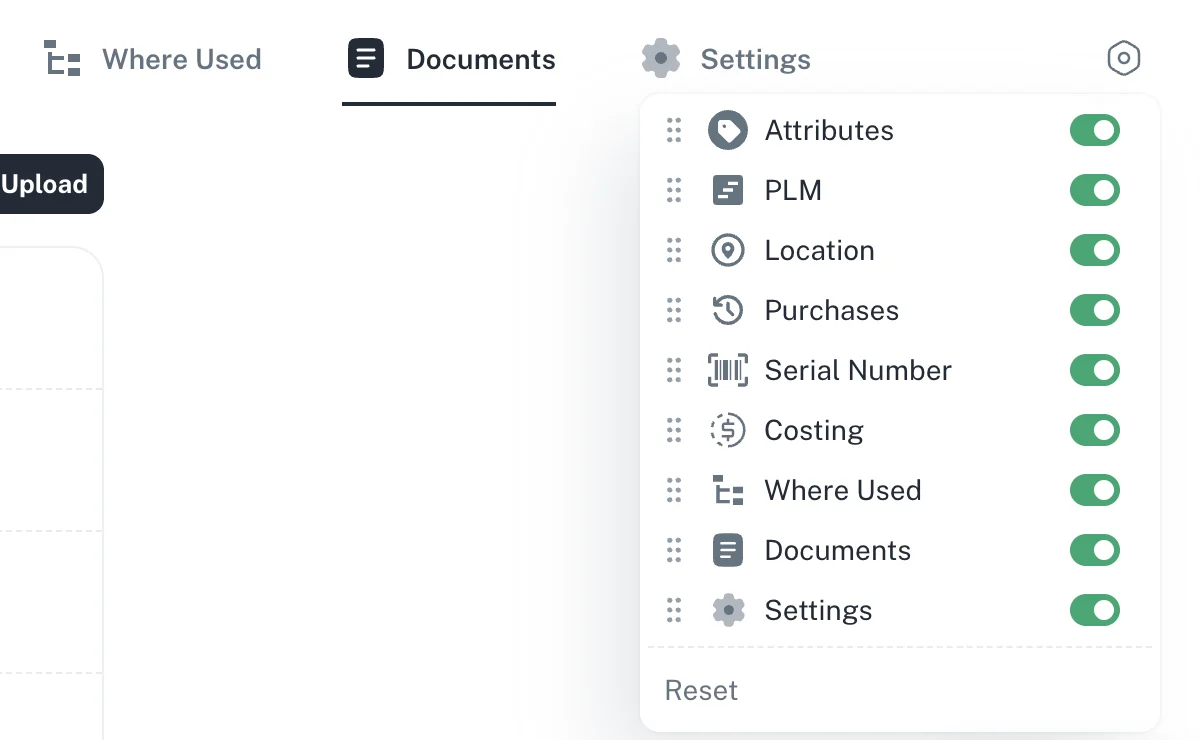
Select Customize tabs at the right end of the tab row in the part details dialog.
- Reorder: drag a tab by its handle.
- Hide or show: use the tab's switch. The last visible tab cannot be hidden.
- Reset: restore the default order and show every tab.
If you hide the tab you are on, the dialog moves to the first visible tab.
The layout is yours alone and applies to every part, on any computer you sign in from. New tabs added to Partix appear at the end of your row.