
Documents
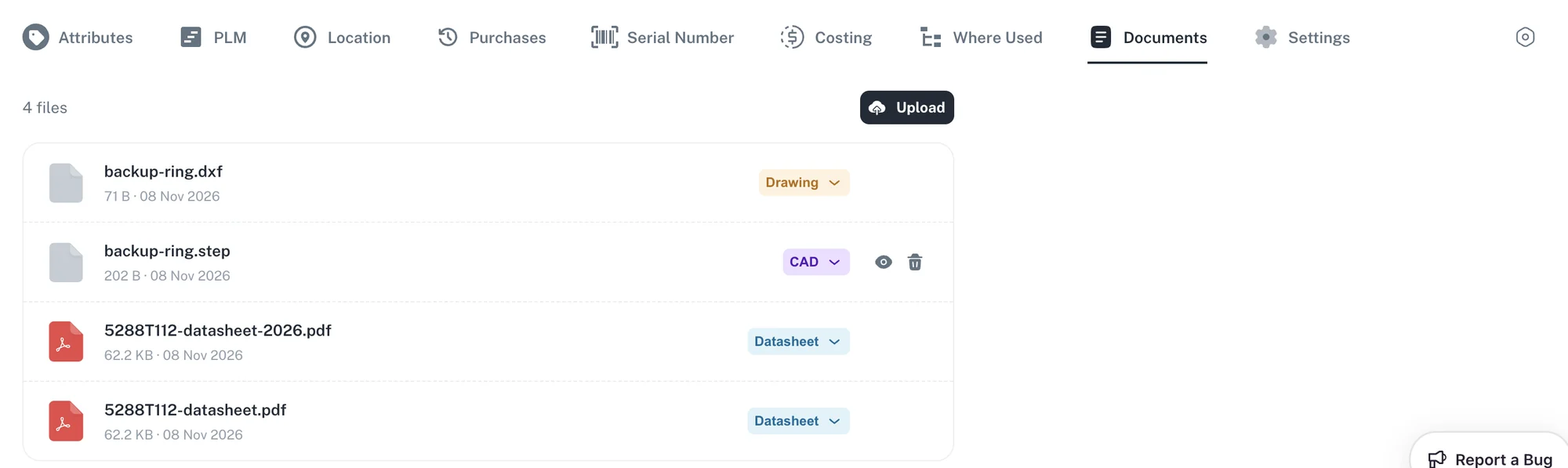
Datasheets, CAD models, drawings and other files for a part revision.
Upload
- Open the part and go to the Documents tab.
- Choose Upload, or drop files onto the tab.
- Check each file's type.
- Choose Upload.
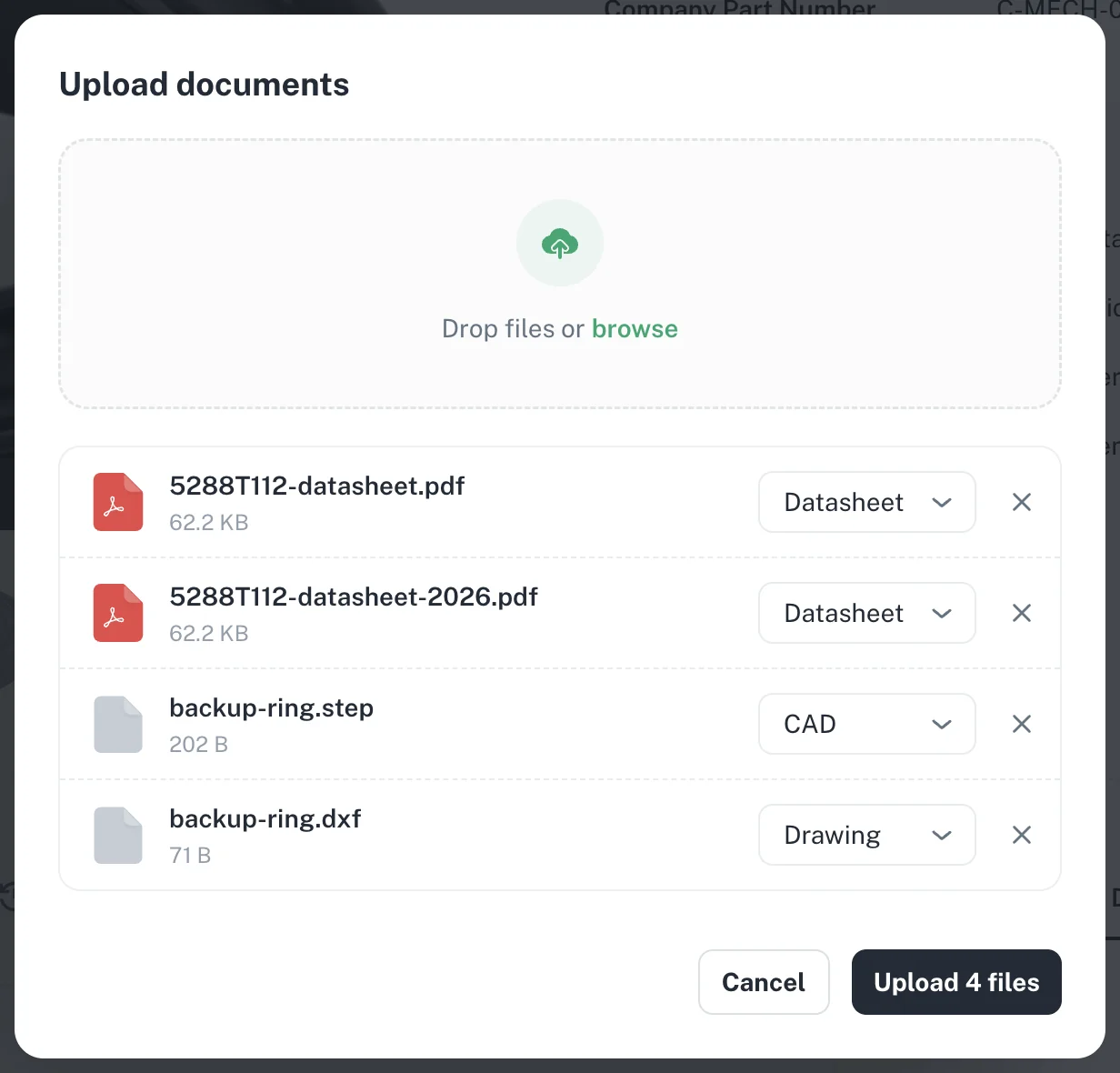
The type is guessed from the extension:
| Extension | Type |
|---|---|
.pdf |
Datasheet |
.step, .stp, .iges, .igs, .stl |
CAD |
.dxf, .dwg |
Drawing |
| Anything else | Other |
Change a type
Select a file's type label and pick another. It saves immediately.
Open or remove
Hover a file to show Open and Remove. Removing a file takes it off this revision only.
Files attached to the part as a whole, rather than one revision, show without Remove and their type cannot be changed here.
Datasheets
The newest datasheet also shows on the Attributes tab, with +1, +2 and so on when there are more.
Revisions
Documents belong to the revision on screen. A new revision starts with the files of the one it was created from. See Create a revision.